
Step 01
Pick your starting point.
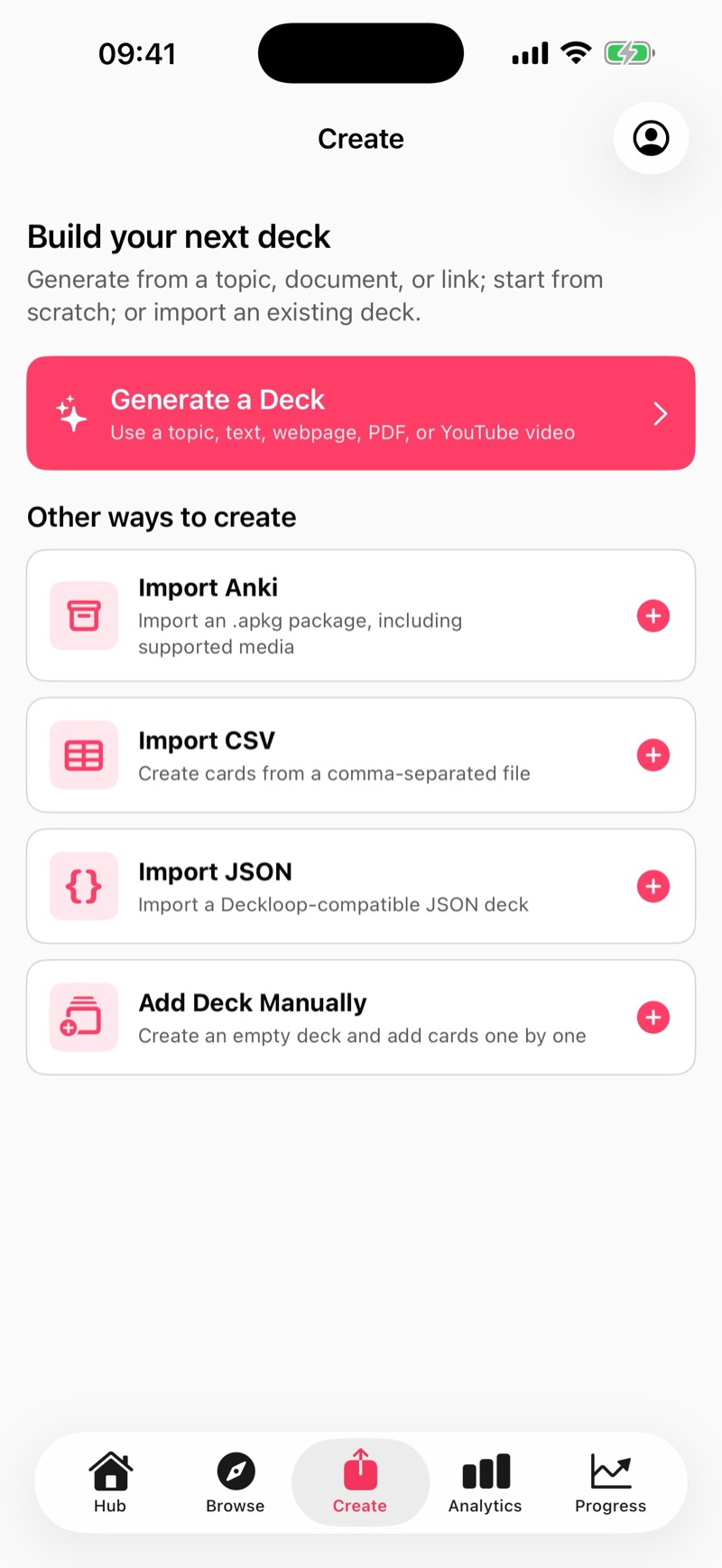
Browse a subject deck, import cards you already have, or turn your notes, PDFs and topic ideas into flashcards. Review the material so it matches what you want to learn.
How Deckloop works
Start with something you want to know. Leave each session with a clearer idea of what you know and what to work on next.
Step 01
Browse a subject deck, import cards you already have, or turn your notes, PDFs and topic ideas into flashcards. Review the material so it matches what you want to learn.
Step 02
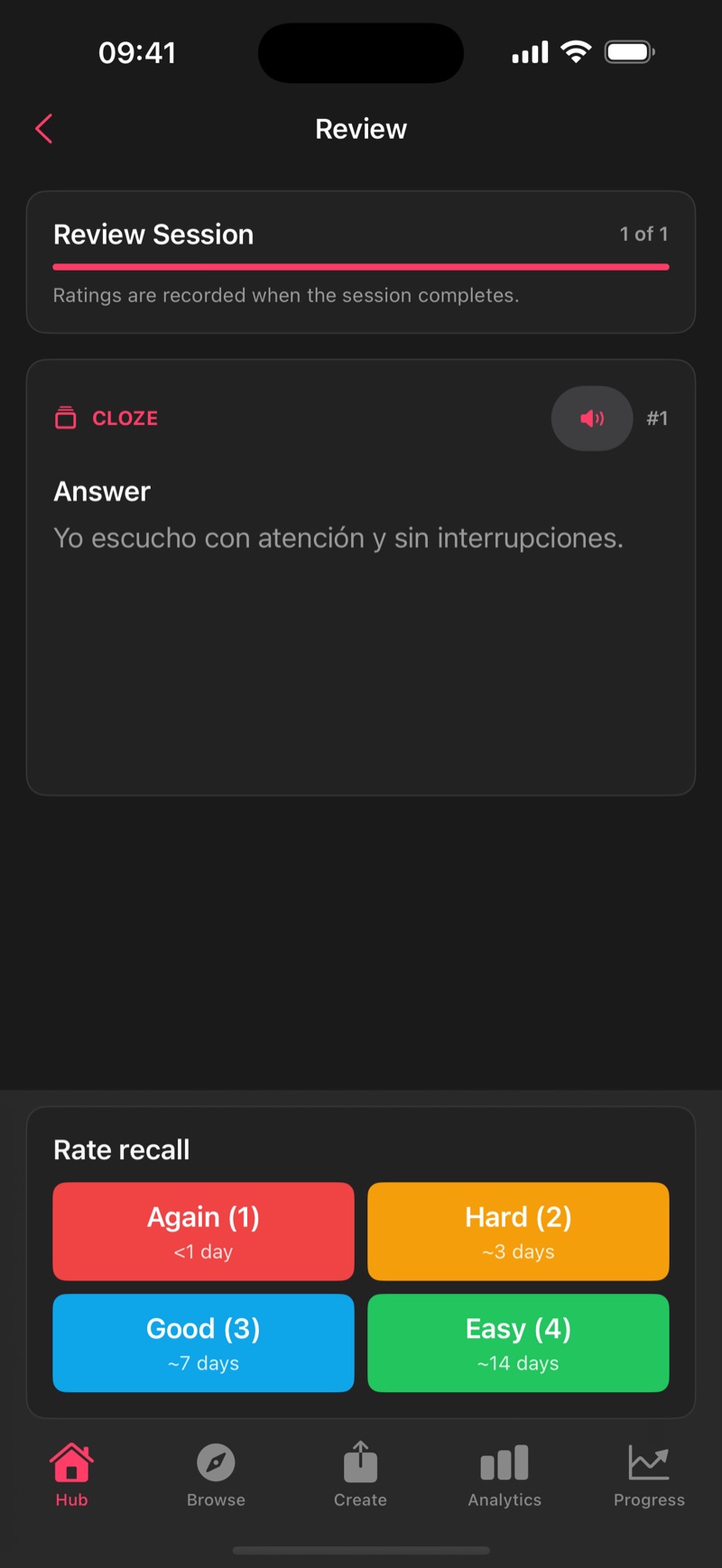
Read the question, recall the answer and rate how it went. Spaced repetition uses your responses to schedule future reviews. Open an explanation when you need help understanding an idea.
Step 03
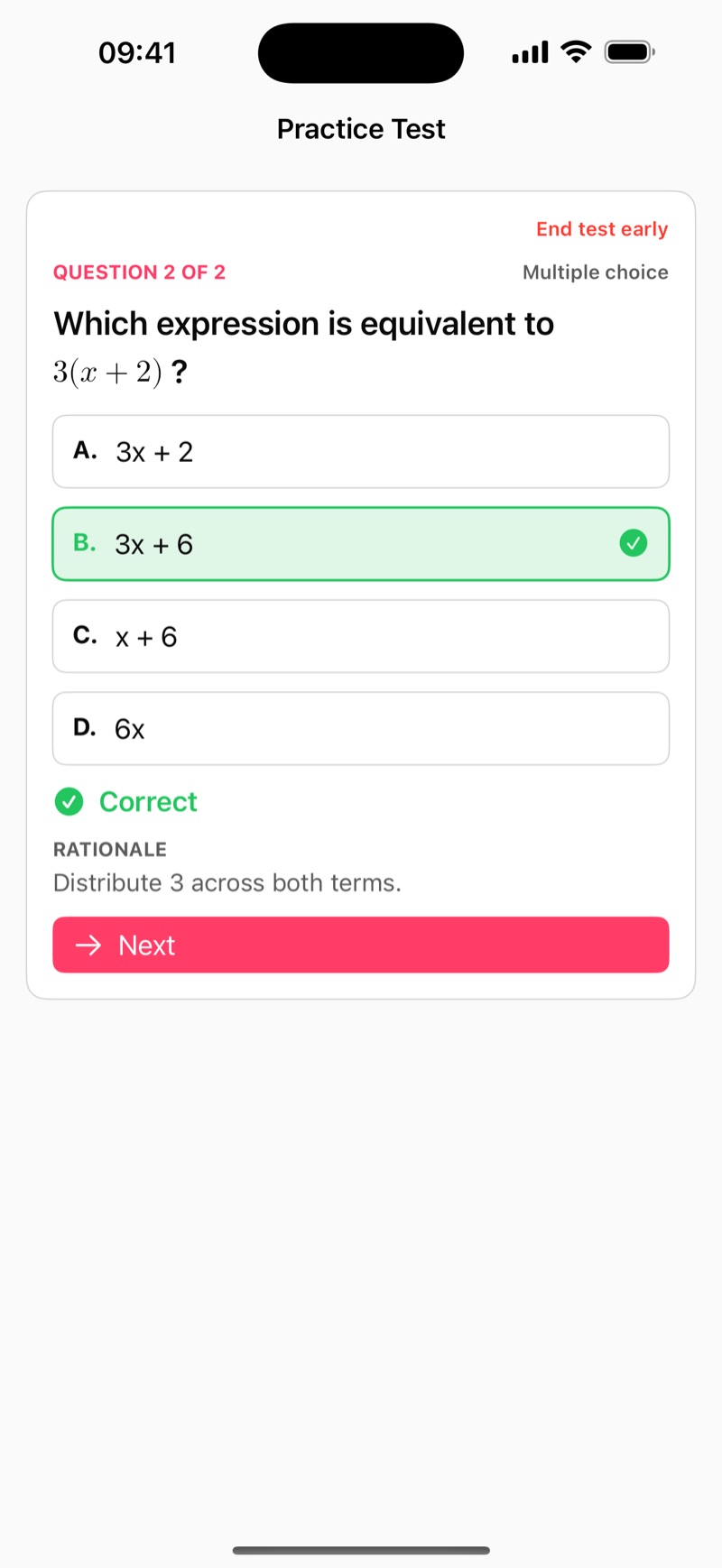
Take a practice test on cards you’ve reviewed. Look at your missed answers and weaker concepts, then review or retest them. Each result gives you a useful next step.
Step 04
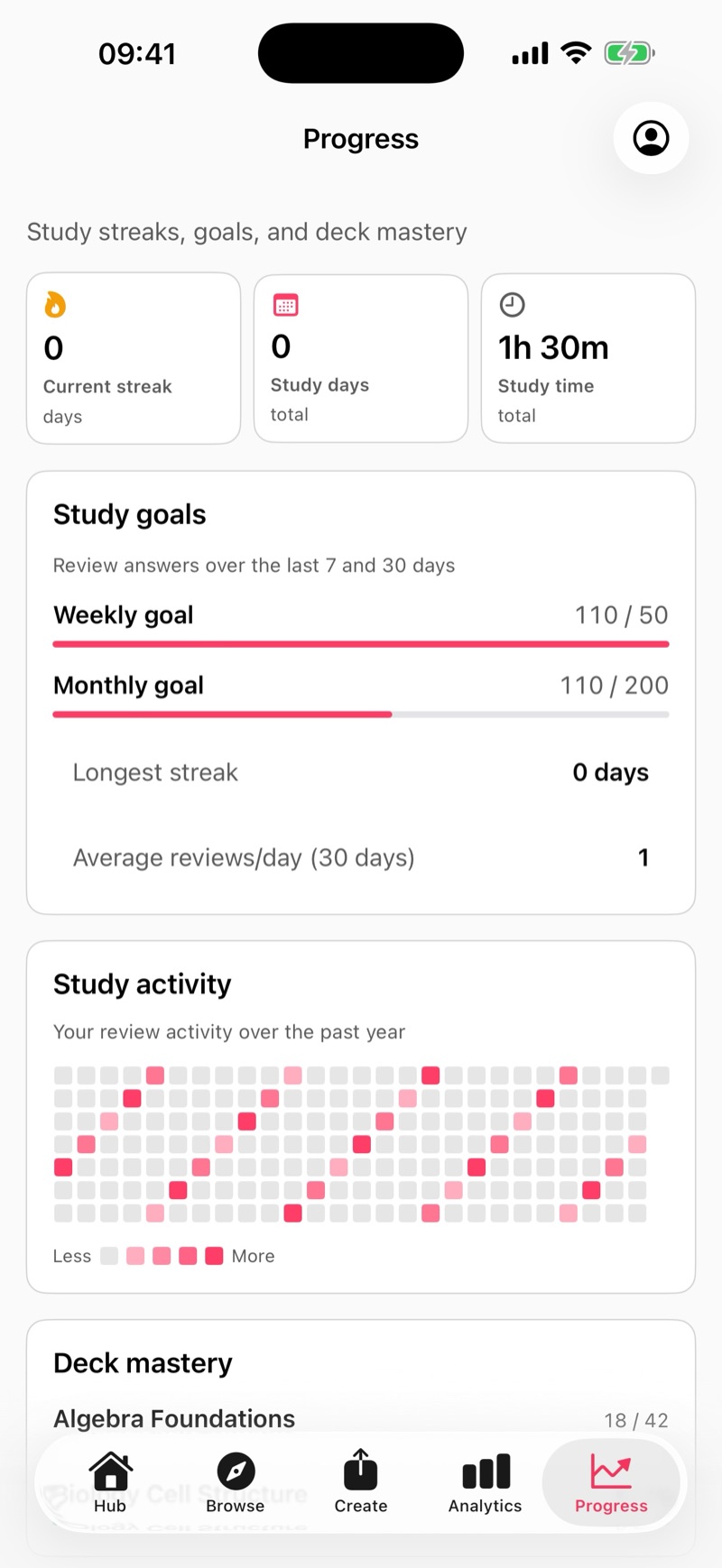
Follow mastery across decks and strength within topics. Use your goals, streaks and study activity to keep your routine visible, then return for your next session.
Make room for a little learning