Features

Turn real study material into flashcards, strengthen recall with spaced repetition, and use practice tests plus concept-level progress to find weak topics before the exam.

AI Generation

Turn study material into revision-ready decks.

Move faster from source material to actual revision.

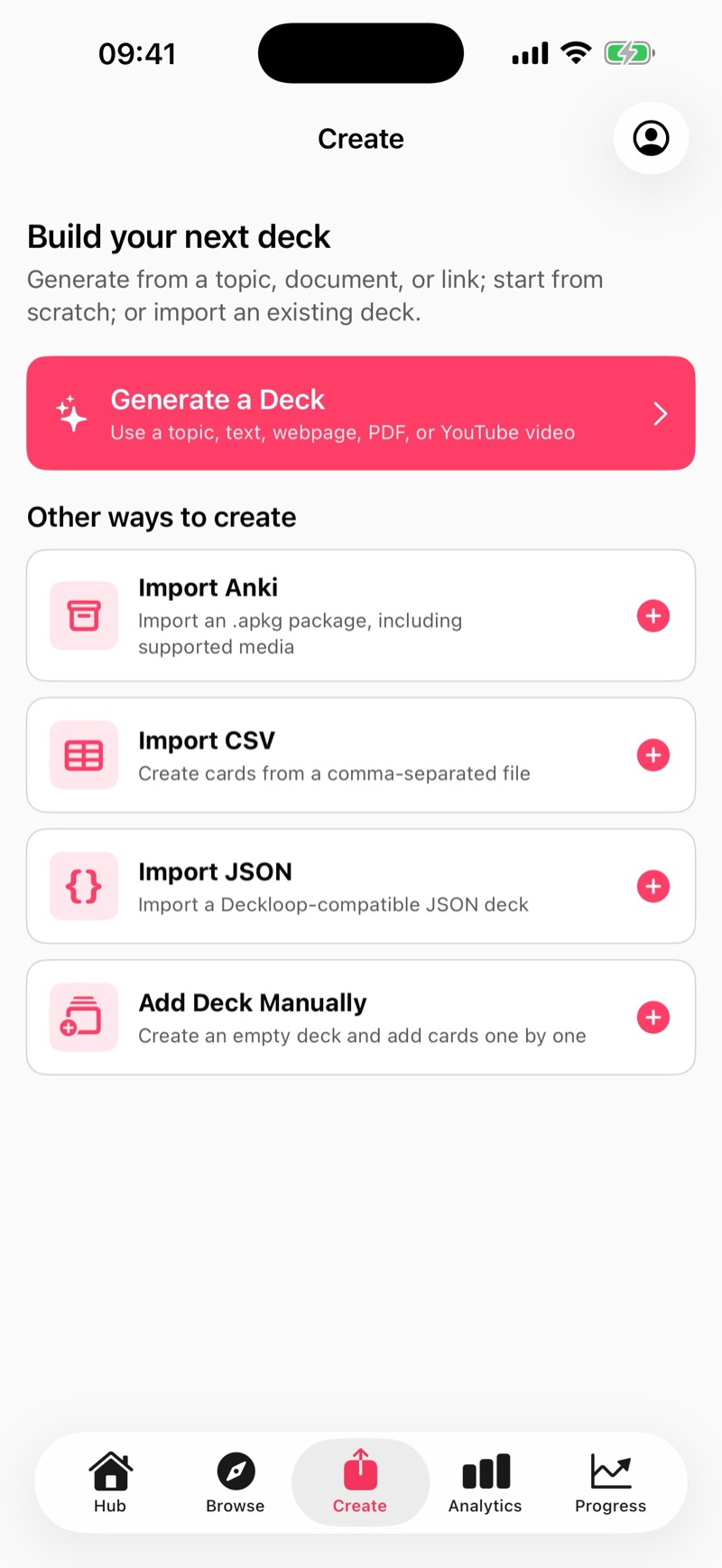
Upload notes, PDFs, videos, URLs, or a topic prompt and Deckloop builds structured flashcards without making you rebuild everything by hand.

  • PDF Intelligence: Headers, definitions, figures, and key sections are detected so cards start structured, not flattened.
  • Video to Flashcard: Paste a YouTube URL and Deckloop turns the transcript into revision-ready Q&A pairs.
  • Prompt-based Decks: Start from a topic and Deckloop builds a balanced deck around the level you need to revise.
  • Flexible Inputs: Work from PDFs, text notes, URLs, YouTube, or a topic prompt in the same creation flow.
Create Study Material interface showing AI, PDF, Text, YouTube and URL input options
STEM Support

Keep technical material intact.

When revision material is technical, the important detail needs to survive the move into flashcards.

  • Clean Equations: Inline and display-mode formulas render via LaTeX/KaTeX instead of becoming blurry screenshots.
  • Chemistry Support: Chemical formulas and reaction equations stay readable and properly formatted.
  • Structured Data: Tables and charts from your sources can be rendered as responsive study material instead of static images.
  • Code & Syntax: Syntax highlighting keeps programming cards legible for CS study.
LaTeX math support showing integration formulas and multiple choice questions
AI Visuals

Add visuals where they improve understanding.

Deckloop can pull relevant diagrams from your source material, attach sourced visuals, or generate a simple supporting image when a concept needs one.

  • AI-generated Card Illustrations (optional): Add an AI image to a card, or replace a sourced image when a cleaner visual will teach the idea better.
  • PDF Figure Extraction: Relevant diagrams, tables, and charts can be attached directly to the right flashcards during generation.
  • Attribution Built In: Open-licensed images keep their attribution, and AI visuals are clearly marked.
AI image generator interface showing a generated educational visual for a flashcard
Memory Engine

Strengthen recall with spaced repetition.

Once a deck is ready, the study engine schedules reviews so material keeps resurfacing before it fades.

  • FSRS by Default: Deckloop uses the Free Spaced Repetition Scheduler (FSRS) to adapt review timing to your memory.
  • SM-2 Option: Prefer the classic approach? Toggle to SM-2 style scheduling in settings.
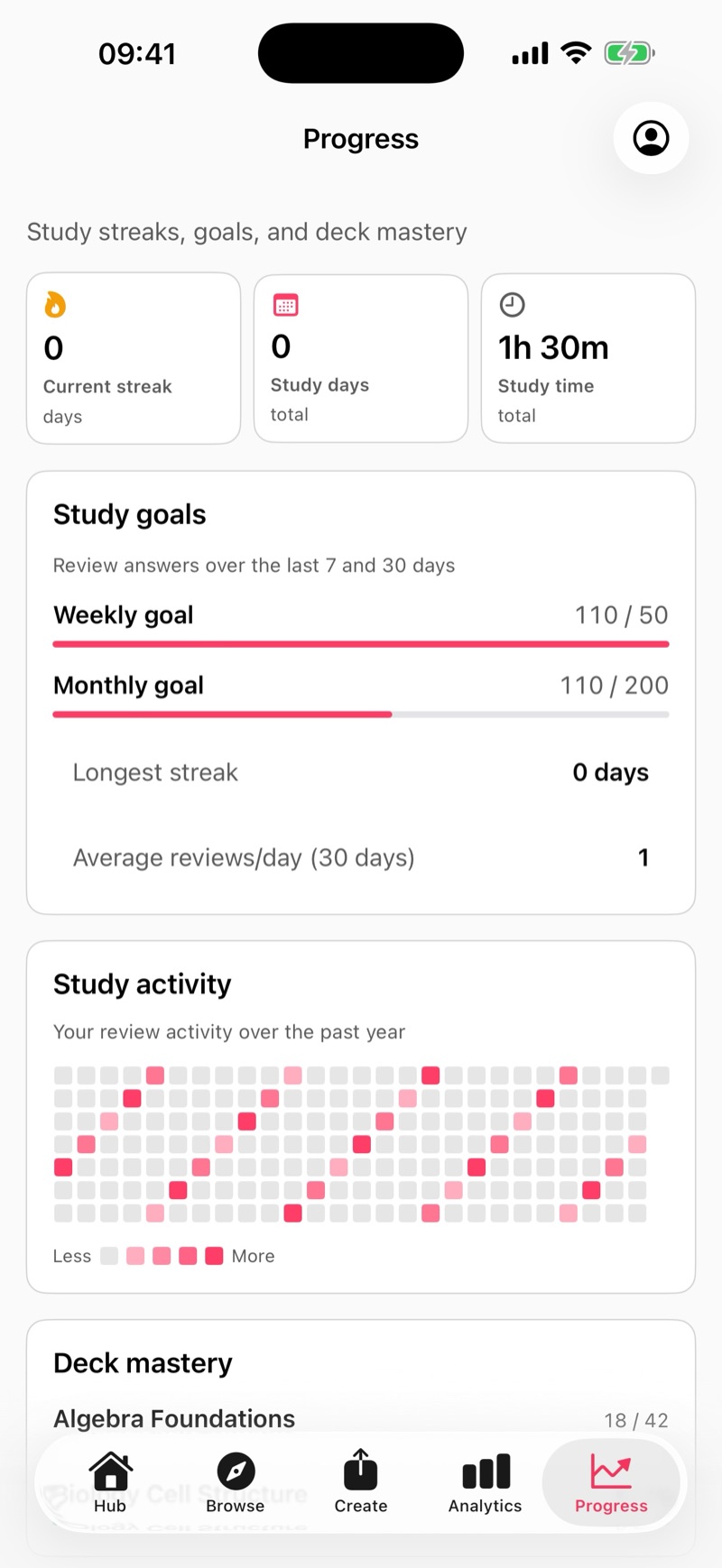
  • Visual Mastery: Hub deck cards show mastery bars, and deck analytics can surface weak concepts once enough review data exists.
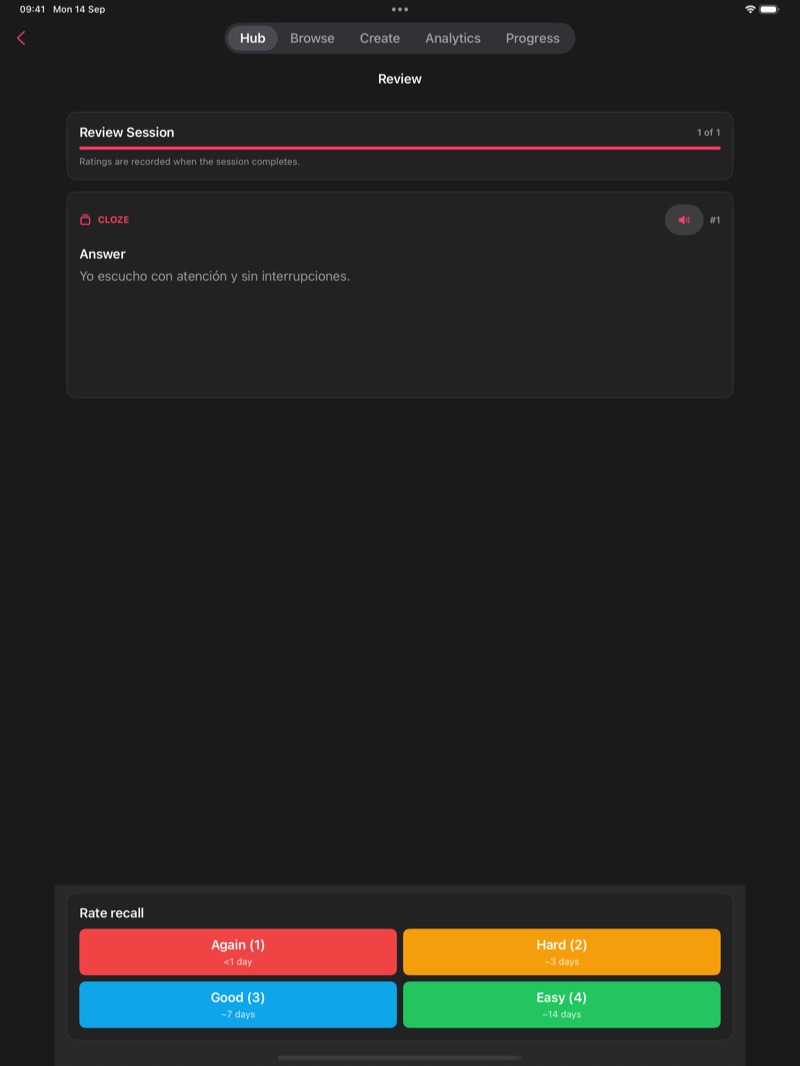
  • Flexible Modes: Use Learn for first-pass new cards, Review for daily FSRS work, Cram for extra practice, or Practice Test for timed reviewed-cards-only quizzes.
Choose Study Mode interface showing Learn, Normal Review, Cram and Practice Test modes
Practice Tests

Check whether knowledge holds under pressure.

Practice tests turn revision into retrieval training.

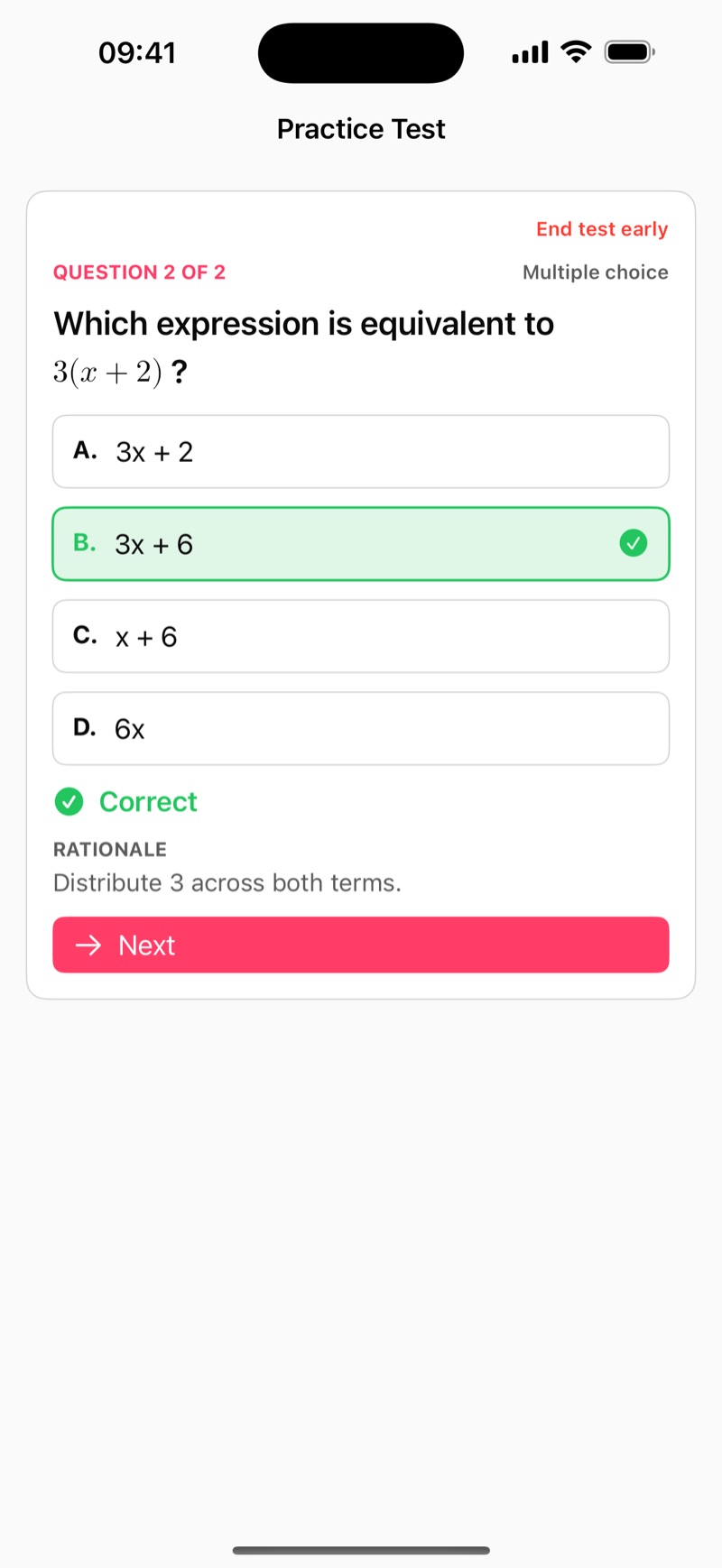
Deckloop generates questions from material you have already reviewed, so tests expose gaps in understanding instead of measuring first-time guesses.

  • Reviewed-cards-only test generation helps avoid empty guessing.
  • Unlock 10, 20, and 40-question tests as you review more cards in a deck.
  • Choose Mixed, MCQ-only, or Flashcard-only mode before you start.
  • Take the timed test, review what you missed, then retest weak areas.
Practice test setup modal showing reviewed-cards-only eligibility, question count options, and mode selection Practice test results screen showing a review what I missed action and weak concepts to retest
Concept Progress

Target weak topics before the exam.

Concept-level progress helps students revise strategically instead of just clearing a queue.

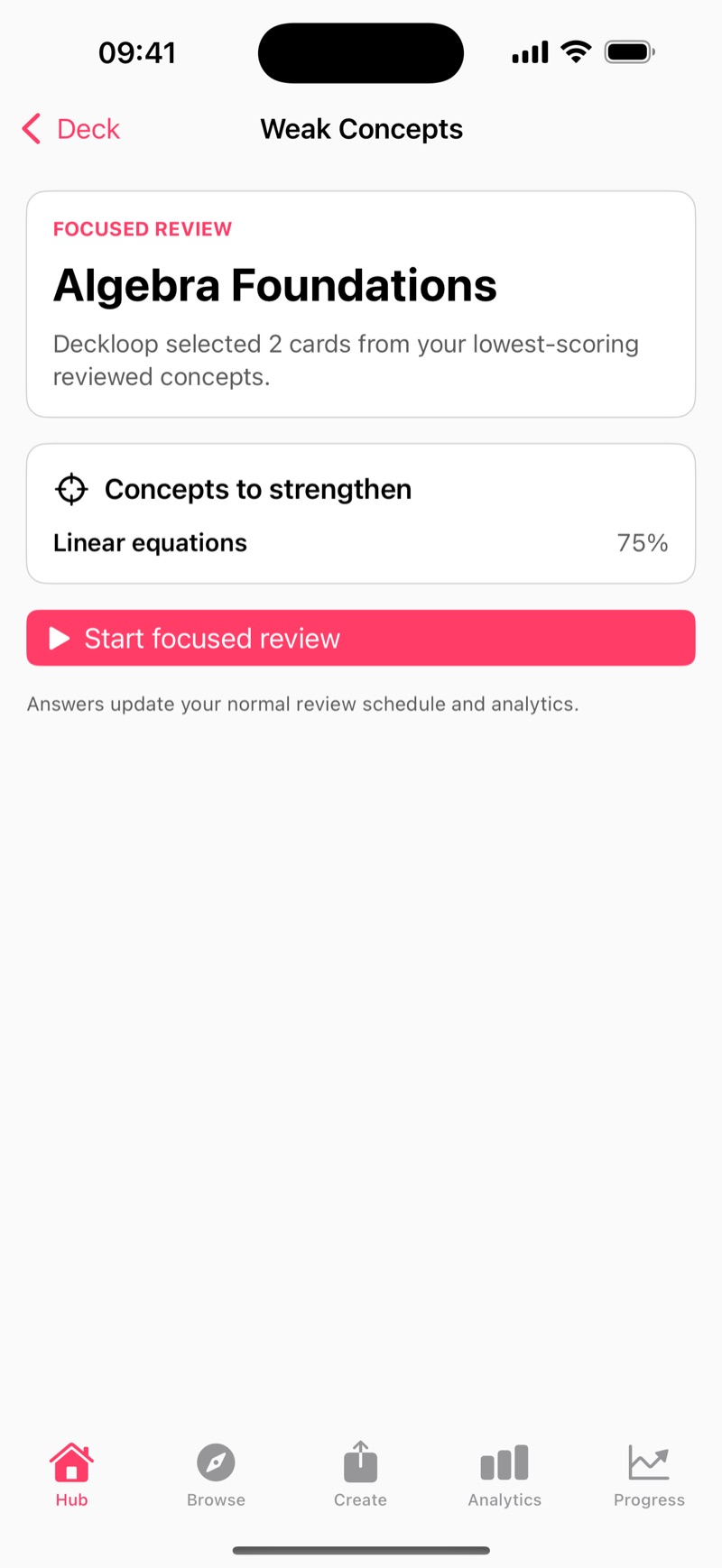
Deckloop groups related cards into concepts and scores them from review outcomes, so practice tests and follow-up revision can focus on what is actually weak.

  • Concept mapping: Cards roll up into topics, so your progress makes sense at a glance.
  • Strength scoring: Concept Strength is computed from real review performance, and it starts showing signal once you've reviewed cards.
  • Targeted Practice Tests: Review what you missed, or retest weak concepts to fix gaps faster.
  • Built for deep decks: The signal gets stronger as a topic builds up enough related cards to compare.
Concept analytics view showing strengths across topics and the weakest areas to revisit
AI Tutor

Get explanations when a card exposes a gap.

Deckloop helps bridge memorisation and understanding.

When something does not fully click, open a structured explanation straight from the card you were reviewing or testing.

  • Quick Then Detailed: Start with a fast explainer, then tap Explain in more detail when you want the second, deeper pass.
  • Worked Examples: The Tutor breaks down problems step by step instead of stopping at the answer.
  • Pitfall Protection: Common mistakes are called out so students can see where easy marks are lost.
  • Precursor Mapping: If a concept is too advanced, the Tutor links back to prerequisite ideas first.
AI Tutor explaining integers, directed numbers and BIDMAS with worked examples
Language Learning

Use the same workflow for language study.

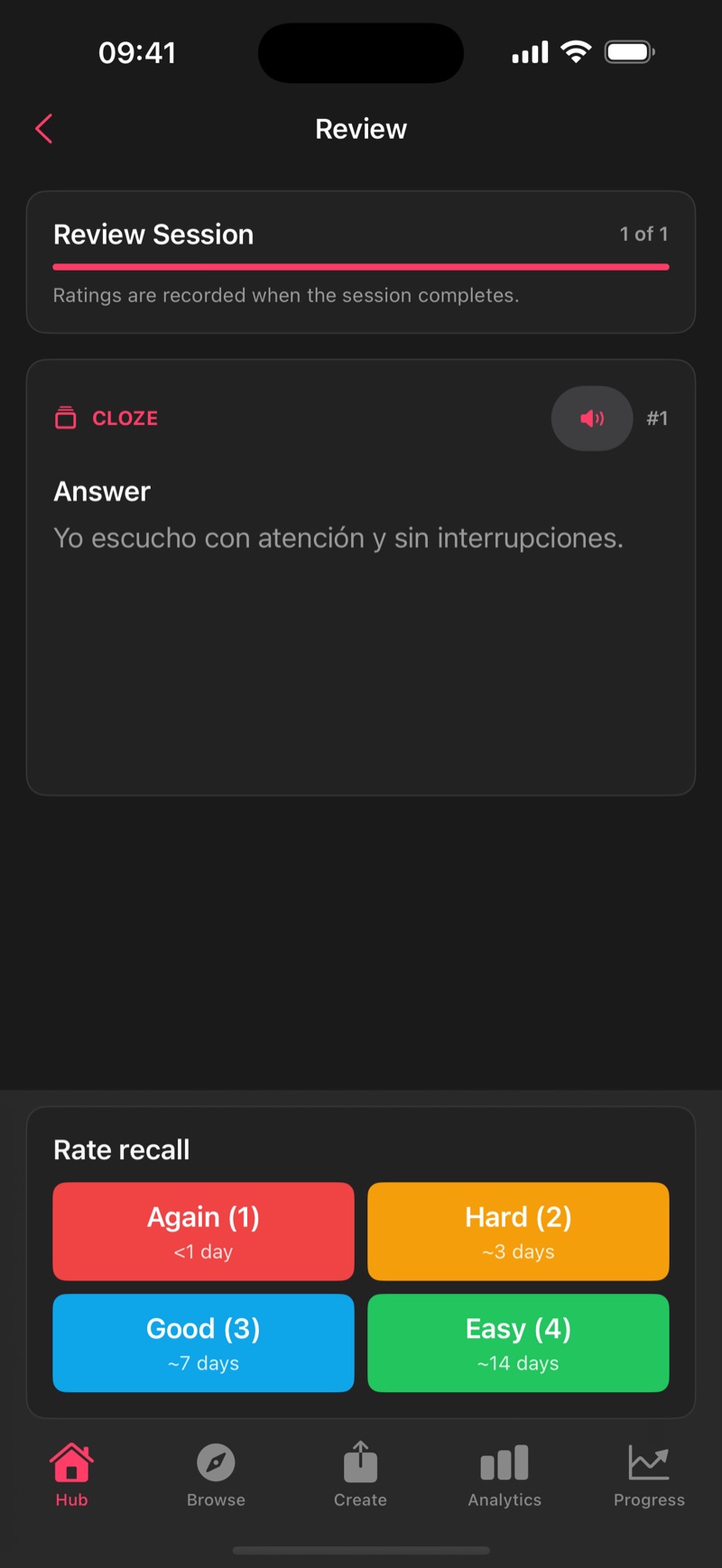
Language study still benefits from the same loop, with audio, cloze, and front/back language settings built in.

  • Language Tagging: Cards have distinct Front/Back language settings such as Japanese on one side and English on the other.
  • Integrated TTS: Text-to-Speech uses the voices already installed on your device, with optional auto-play during study.
  • Cloze Deletions: Create fill-in-the-blank cards for sentence structure and grammar practice.
  • High-Quality Voices: Install enhanced / premium / natural voices in your OS settings for the languages you study.
  • Speed Control: Slow down the audio when a pronunciation needs extra attention.
Text-to-Speech settings showing Enable TTS, Auto-play on Reveal, and Language Learning Mode options
Pro Features

Keep study consistent across devices and larger libraries.

Support short, frequent study sessions in real life, not just long sessions at a desk.

Offline access, sync, import, library organisation, and analytics help the same revision system stay usable as your course load grows.

  • Offline First (PWA): Install Deckloop on iOS, Android, or desktop, then download decks for offline study and sync when you reconnect. Offline downloads do not work in a regular browser tab.
  • Install Flow: Use Safari's Add to Home Screen on iPhone/iPad, or the install prompt in Chrome/Edge.
  • Anki Import: Bring in .apkg decks with media files, cloze cards, and scheduling data.
  • Nested Folders: Group decks by Course > Module > Chapter.
  • Smart Tags: Tag by exam board, difficulty, or source type.
  • Global Search: Find one card across your entire library without hunting through deck by deck.
Analytics dashboard showing streaks, goals, study activity heatmap and statistics

Start with the free trial

Get early access to structured public decks, AI-powered revision tools, and the fastest-improving parts of Deckloop. Private beta is free for early users and best suited to students who want serious revision workflows, not just another flashcard app.

Start with a 7-day free trial. Add billing only if you want to continue after the first week.